01
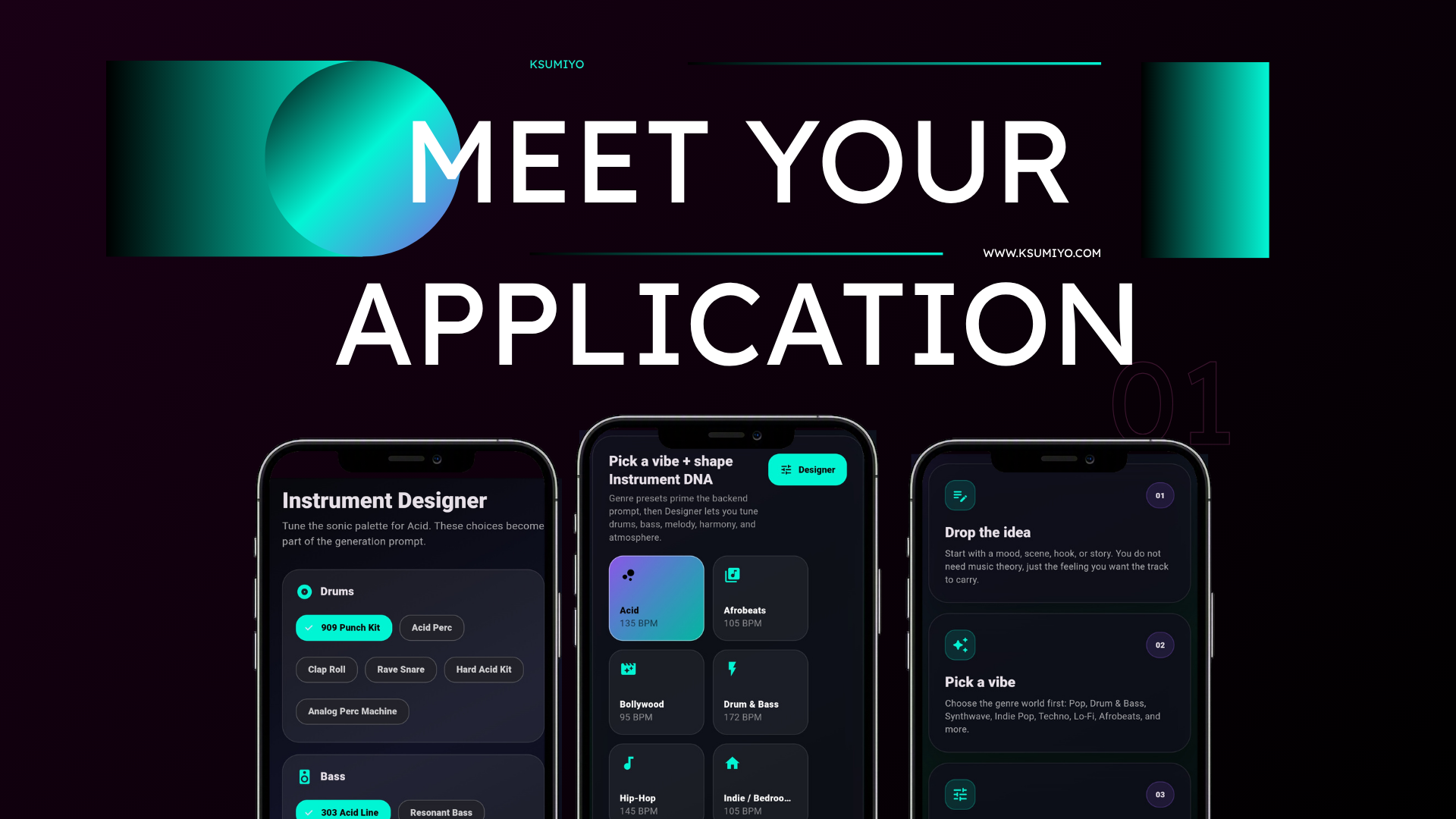
Drop the idea
Start with a mood, scene, hook, or story. You do not need music theory, just the feeling you want the track to carry.
First-time creator guide
Ksumiyo turns a mood, scene, or story into a finished royalty-free track. No studio background needed. Choose a vibe, shape the sound, and let the AI compose around your taste.
Watch the workflow
Start with a mood, scene, hook, or story. You do not need music theory, just the feeling you want the track to carry.
Choose the genre world first: Pop, Drum & Bass, Synthwave, Indie Pop, Techno, Lo-fi, and more.
Use Designer to steer drums, bass, melody, harmony, and atmosphere before the AI starts composing.
Set BPM, duration, and language so the track fits the video, podcast, game, film, or personal project.
Ksumiyo combines your prompt with your sound DNA and creates an original royalty-free track.
Play it instantly, download it, view the DNA, or remix the same setup into a new version.
Instrument DNA
Most AI music tools ask you to write the perfect prompt. Ksumiyo lets you shape the sound first, so the result feels directed instead of random.
Set the movement and bounce.
Set the weight and energy.
Set the hook and identity.
Set the emotion and color.
Set the world around the track.
No music theory needed
You do not need to know chords, scales, synths, or production terms. Pick what feels right, use Designer when you want more control, then generate a track you can use for YouTube, podcasts, games, films, social posts, or personal projects.
Less prompting. More producing.
Start with a vibe, shape the DNA, and generate royalty-free music with creative control.
Create your first track